Short Explanation
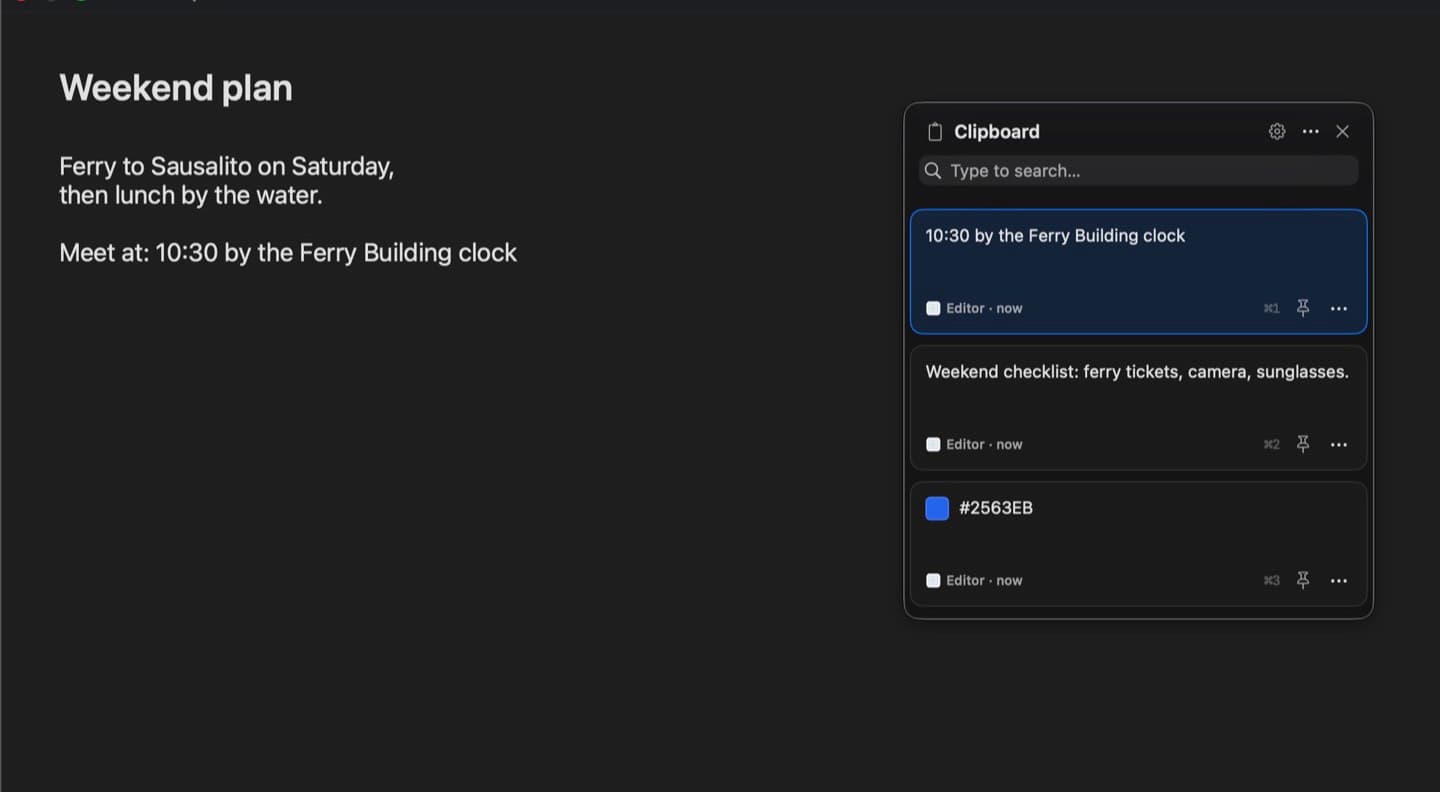
ClipVee brings the Windows Win+V clipboard history to the Mac. Press ⌘⇧V, pick a card, and it is pasted straight into the app you were using. It is a fork of Maccy 2.8.0, reworked into a card-based panel with a keyboard-first paste flow, its own settings window, signed releases and in-app updates.

Project Goals
Win+V on Windows keeps a history of everything you copy, and macOS has nothing built in like it. Most Mac clipboard managers are either a plain list or try to do much more than clipboard history. The goals were:
- Keep it to clipboard history only, and make it feel native
- Paste with the keyboard in one step, without leaving the current app
- Ship it properly: a signed DMG, a Homebrew cask and automatic updates
Tech Stack
Swift
- App: Swift, SwiftUI and AppKit, with Core Data for history that stays on the Mac.
- Updates: Sparkle, with signed appcasts served from GitHub Releases.
- Distribution: a universal DMG and a Homebrew cask (
brew install --cask mzbali/tap/clipvee). - Testing: XCTest UI tests that drive the real app with real key presses.
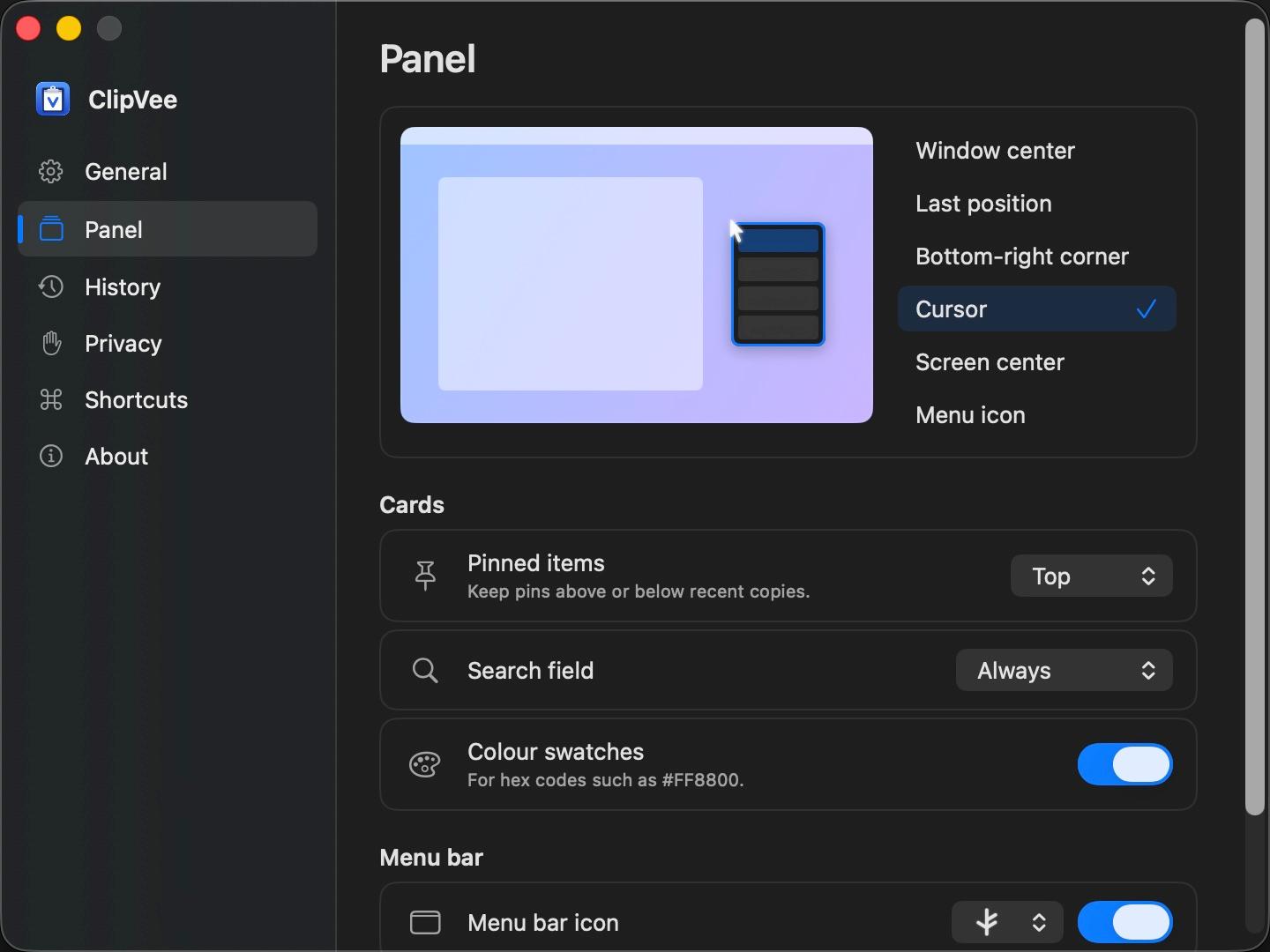
Some Screenshots
Interesting Problems
- Pasting without stealing focus: the panel is a non-activating window, so the app you were typing in stays in front. Picking a card writes it to the clipboard and sends ⌘V to that app, which needs the Accessibility permission.
- Keeping permissions across updates: macOS ties Accessibility access to the app's signature, so every release has to be signed the same way or users would have to grant it again after each update.
- Self-updating demo: the GIF on this page and in the README is recorded by a UI test that drives the real app, so it can be re-recorded whenever the UI changes.
Lessons Learned
- Native macOS: how AppKit windows, focus and the pasteboard behave underneath SwiftUI.
- Release engineering: code signing, update feeds and package managers are as much work as the features.
- Working with a fork: keep the original credit and licence clear, and remove what no longer fits the product.